

Viewer toolbar
The viewer toolbar sits in the top-left corner and centralizes the key design actions:- Undo / redo recent changes
- Mirror building across a chosen axis
- Edit site boundaries and setbacks without leaving the viewer
- Create a snapshot of the current view for reports or exports
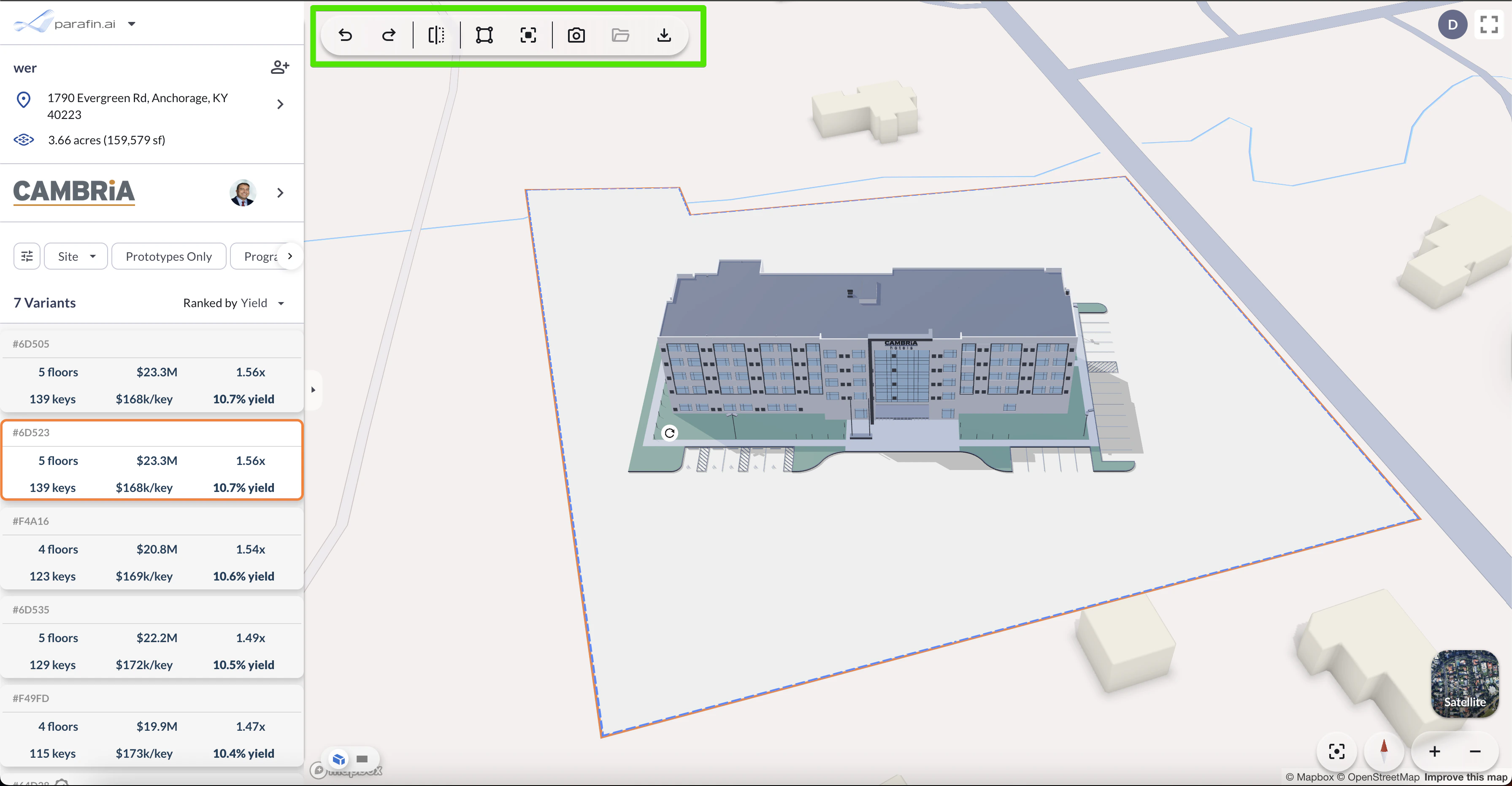
Viewer toolbar in the top-left corner
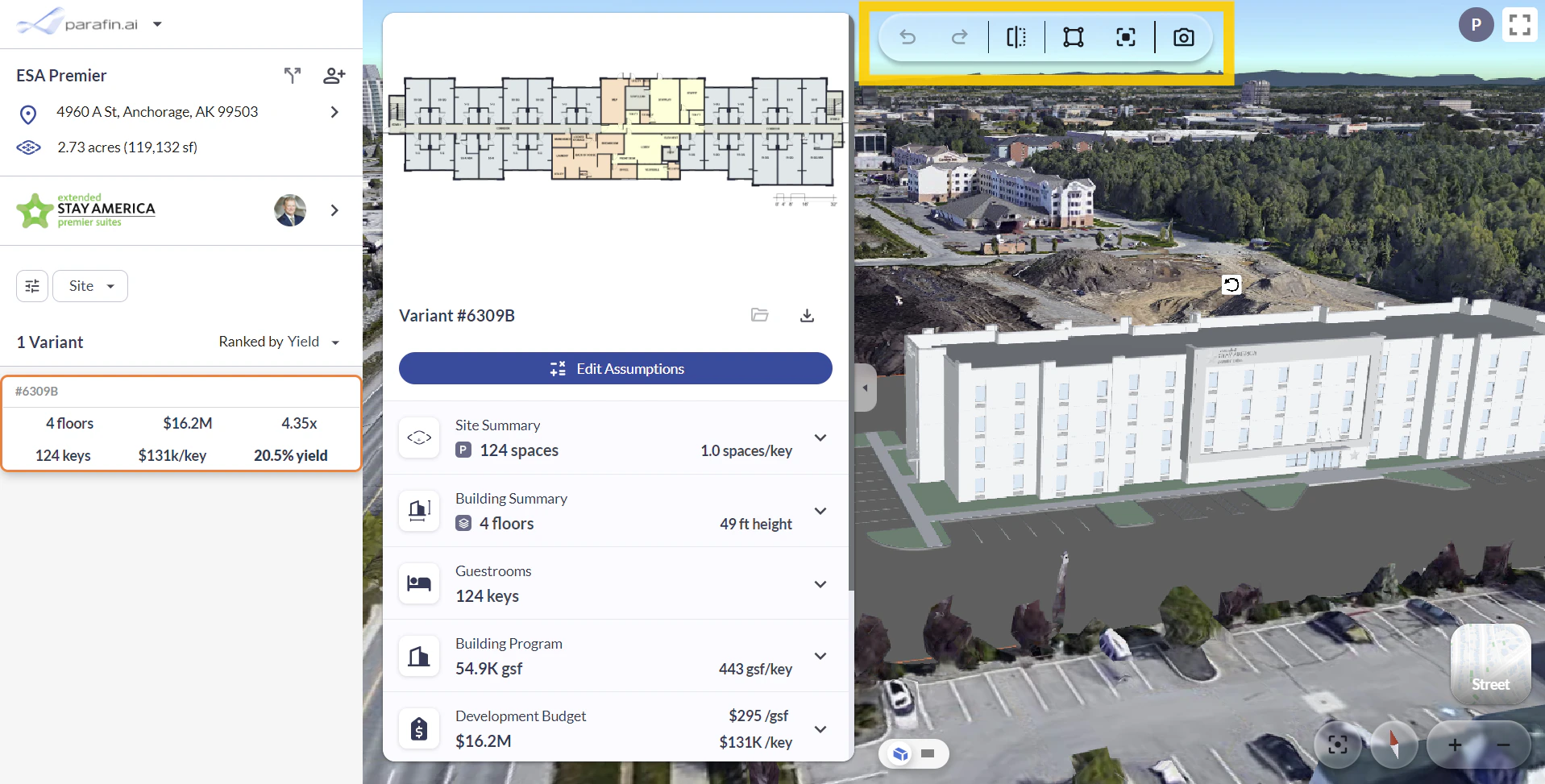
Toolbar actions in context
Snapshots
Click Snapshot in the viewer toolbar to save an image of the current view. Your snapshots are kept with the project under Saved files
  , next to it in the toolbar, where you can download them.
 Dev Report A41C7 09/28/2026Design Report A41C7 09/28/2026
 a41c7-image.jpg 09/28/2026
Viewer controls
Navigation controls live in the bottom-right corner of the viewer:- Layers to choose the basemap and turn reference layers on or off, see Viewer Layers
- Re-center your site in the viewer
- North arrow to orient your bearings
- Zoom in and out
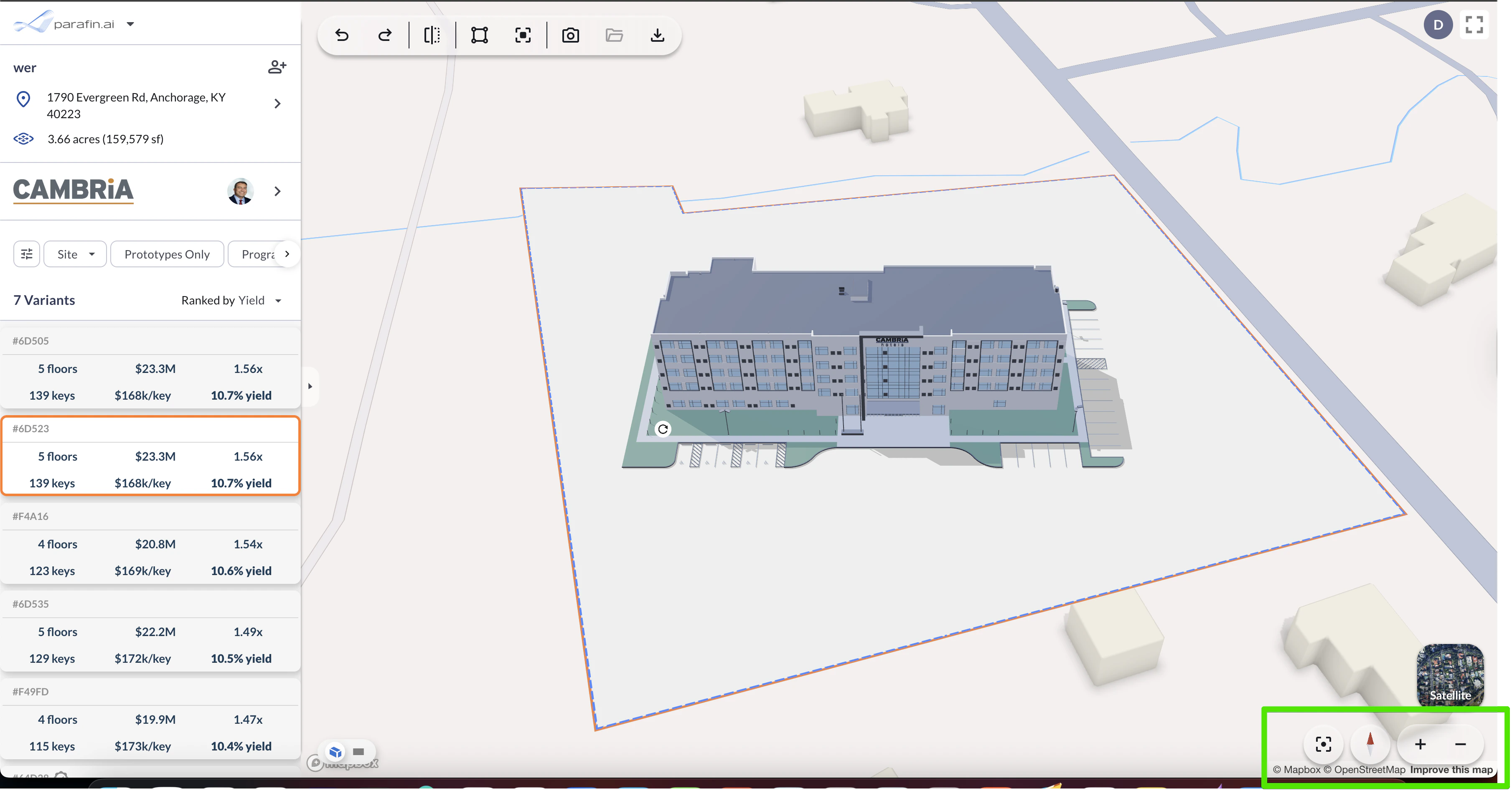
Viewer controls in the bottom-right corner
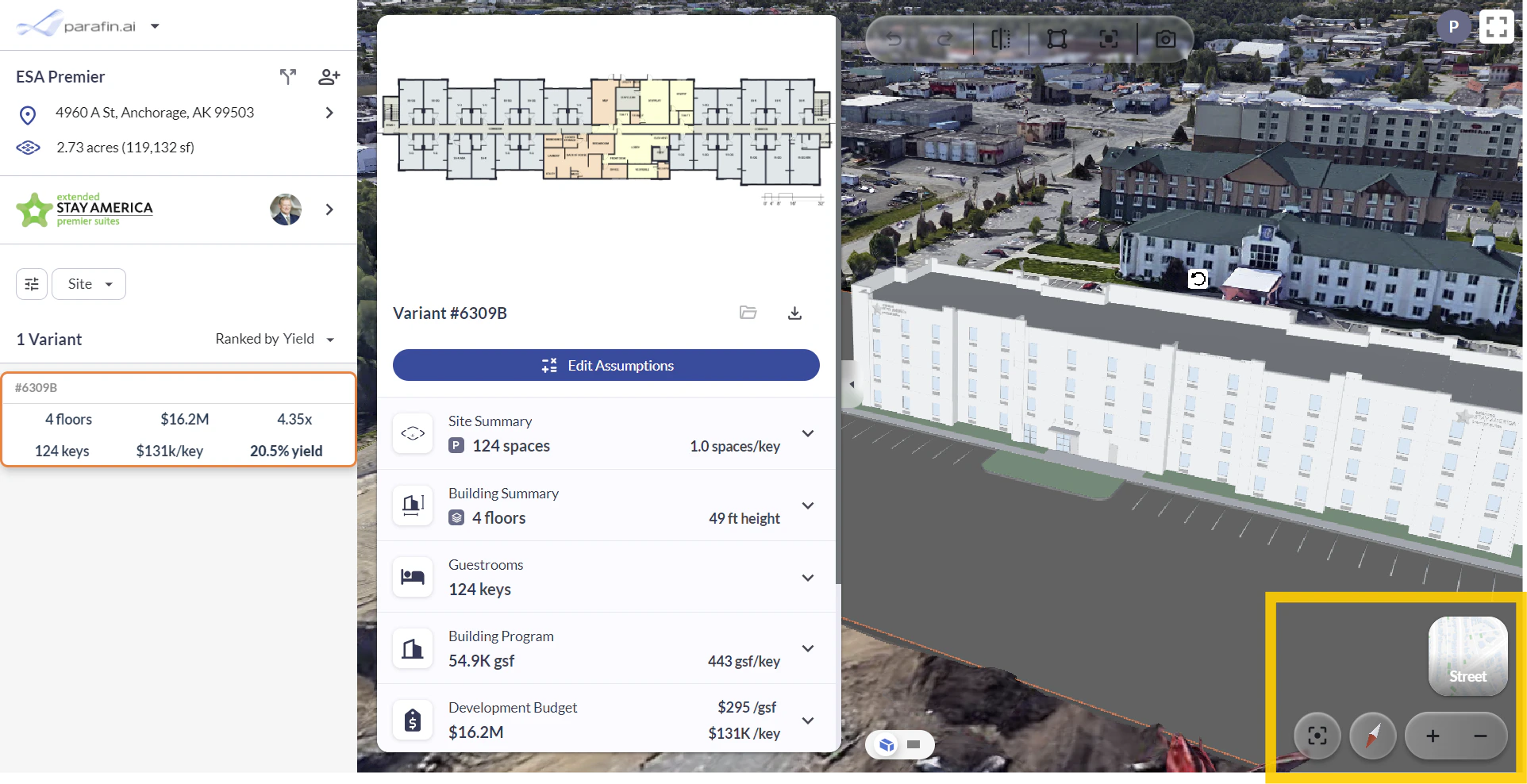
Viewer controls in context