

A walkthrough of the project creation flow
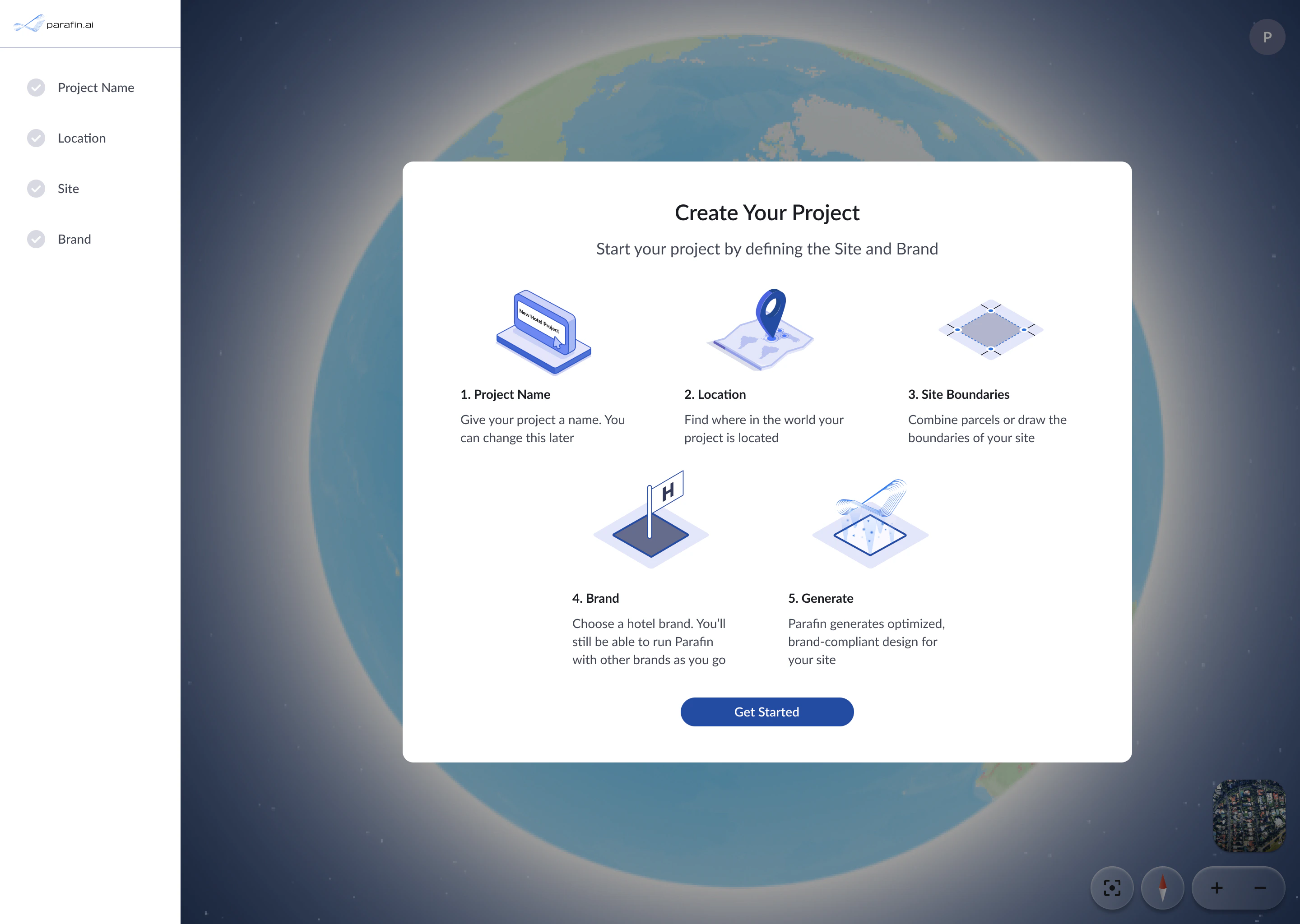
Create Your Project preview screen
The four steps
1. Project name
Give your project a name. You can change it later.
2. Location
Find where in the world your project is located.
3. Site boundaries
Combine parcels or draw the boundaries of your site.
4. Brand
Choose a hotel brand. You can run Parafin with other brands later.
After project creation
Once designs are generated, configure setbacks, constraints, and zoning from the project dashboard:- Setbacks and adjacency: set required setbacks for each side of your site
- Constraints: apply FAR, height, open space, and other design constraints
- Zoning Panel: review district codes and apply zoning-derived values
Start a new project
Start a new project from any of three entry points:- The New Project button on your dashboard
- Add a New Project link on the dashboard
- Direct URL: app.parafin.ai/dashboard/create