> ## Documentation Index
> Fetch the complete documentation index at: https://help.parafin.ai/llms.txt
> Use this file to discover all available pages before exploring further.
# Navigating Parafin
> Use the main menu, user menu, and Project Panel to move between projects, rename, and access account options.
## Main menu
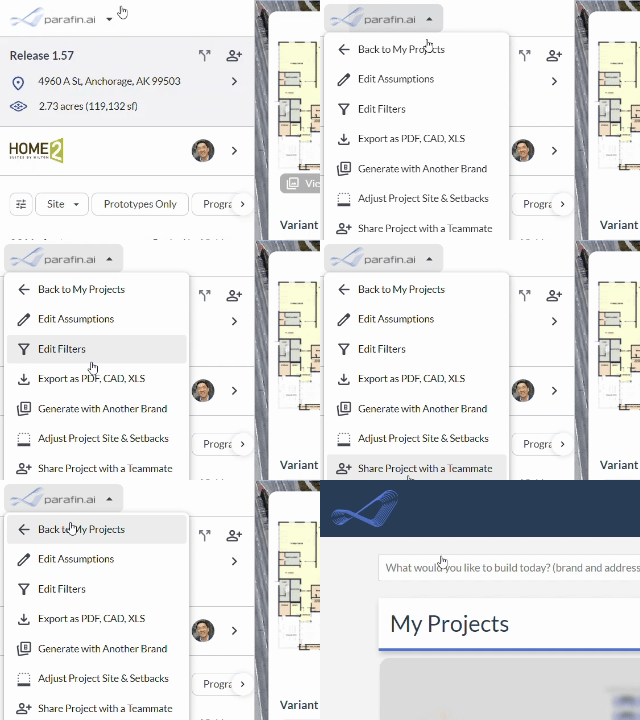
The **main menu dropdown** in the top-left corner takes you back to My Projects and other common destinations from anywhere in Parafin.
 ## Rename a project
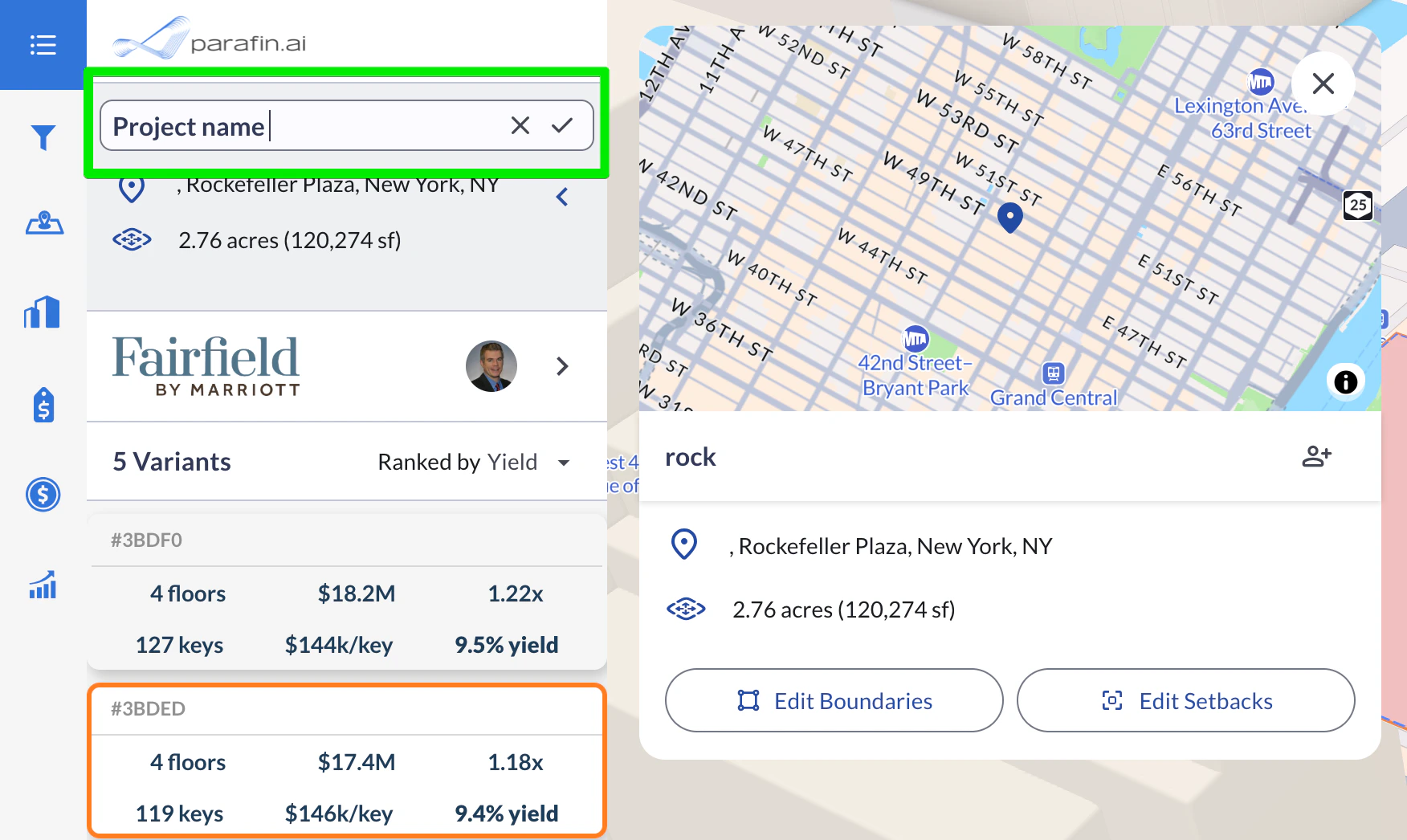
Click the project name at the top of the **Project Panel** to edit it inline. Changes save automatically.
## Rename a project
Click the project name at the top of the **Project Panel** to edit it inline. Changes save automatically.
 ## User menu
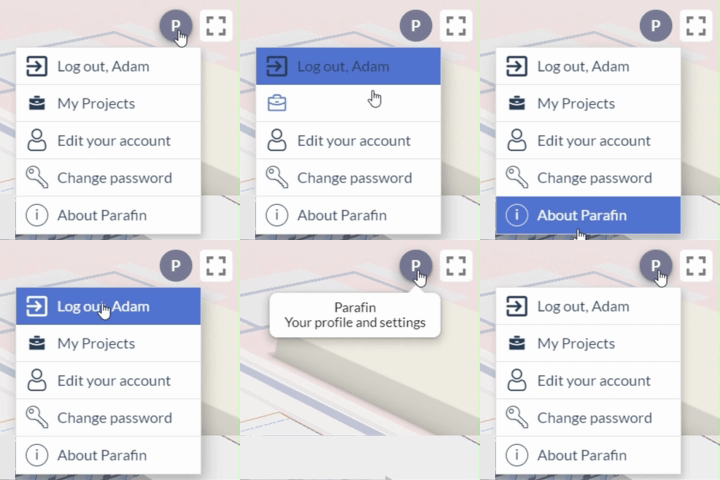
The **user menu** in the top-right corner opens account settings, password changes, and sign-out.
## User menu
The **user menu** in the top-right corner opens account settings, password changes, and sign-out.