> ## Documentation Index
> Fetch the complete documentation index at: https://help.parafin.ai/llms.txt
> Use this file to discover all available pages before exploring further.
# 3D Building Viewer
> Manipulate the selected building in 3D, toggle map views, and snapshot your results.
The 3D Building Viewer lets you move the selected design in place on its site and see how it responds to site constraints.
## Viewer toolbar
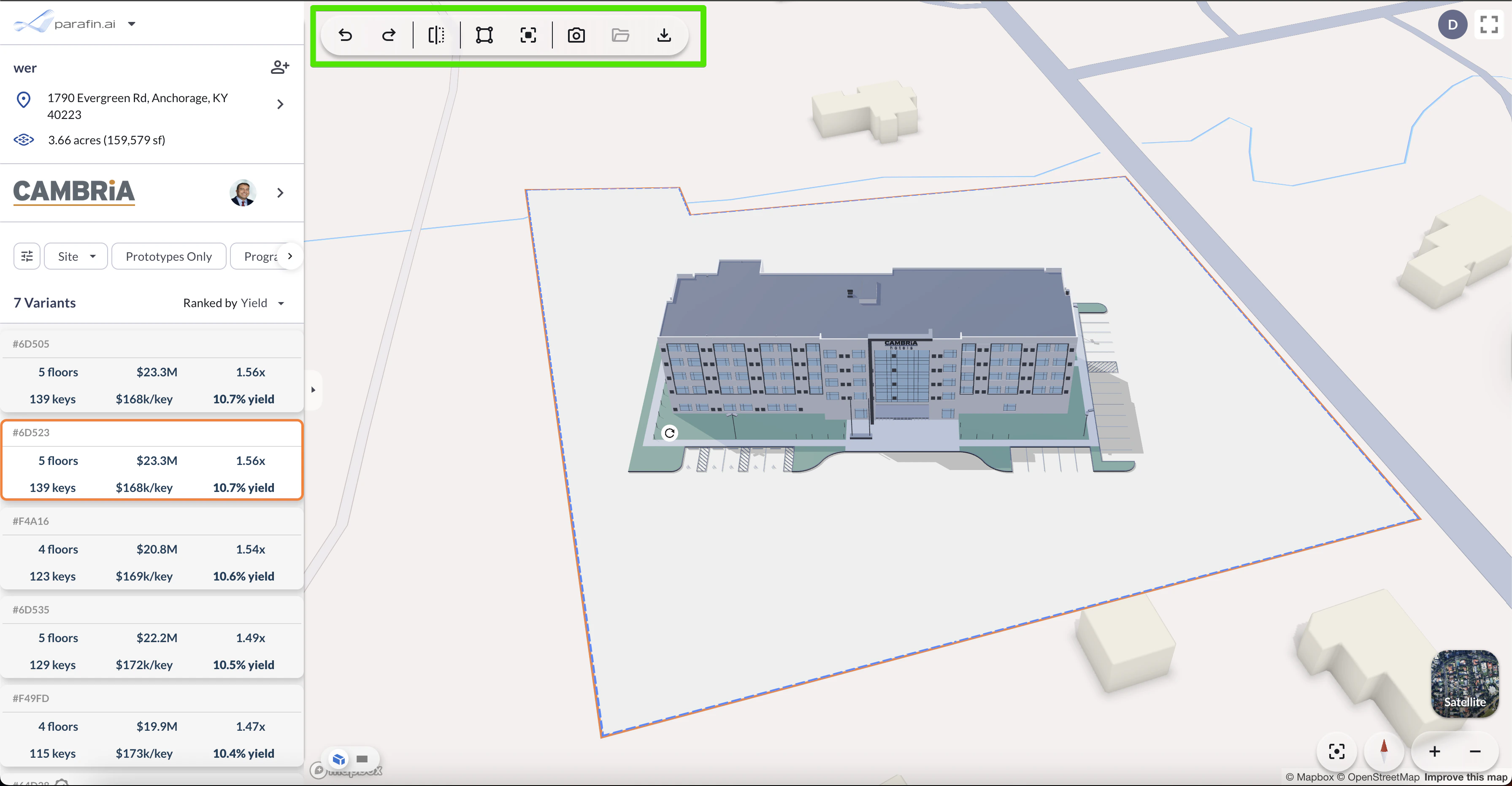
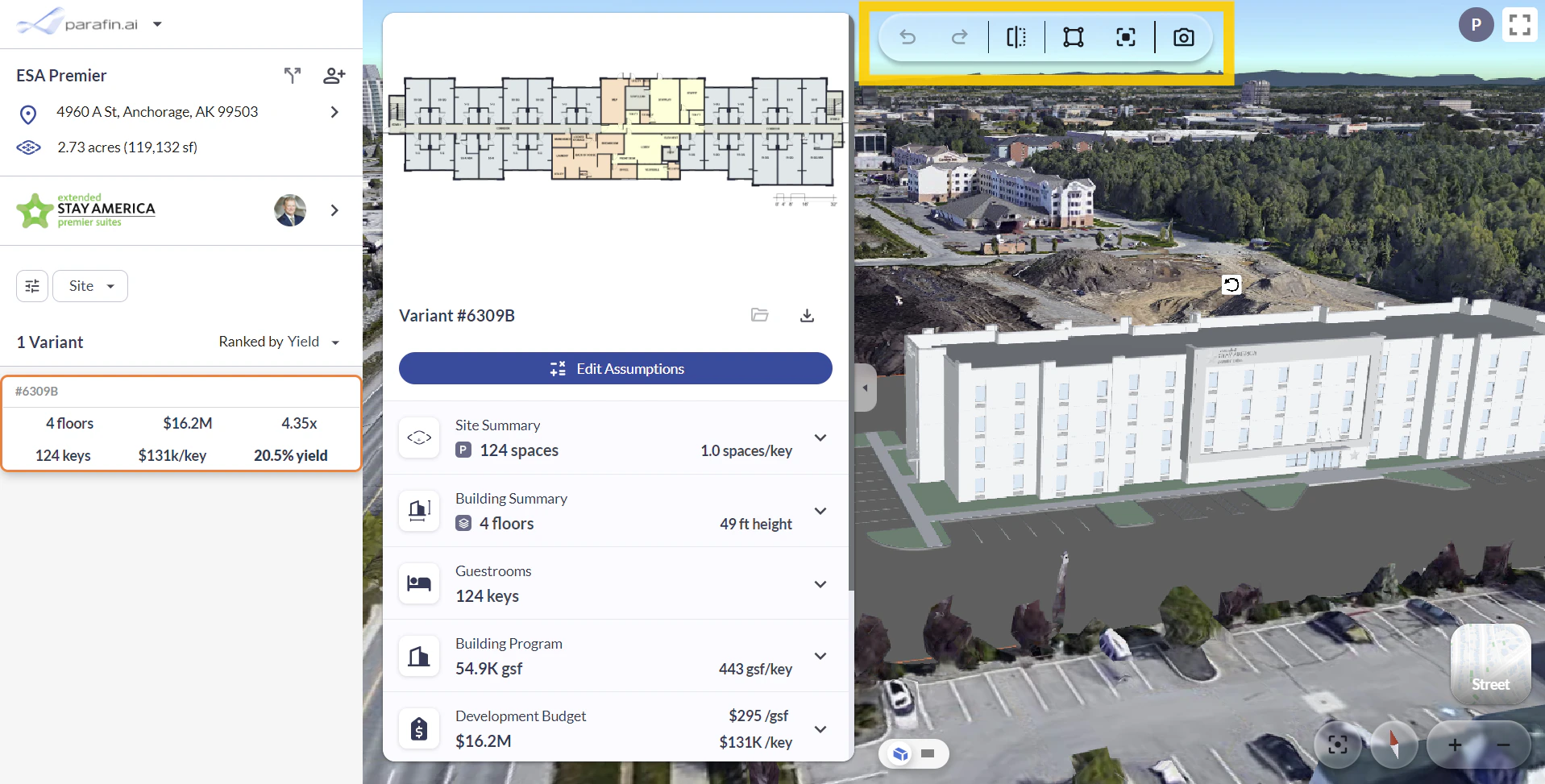
The viewer toolbar sits in the **top-left corner** and centralizes the key design actions:
* **Undo / redo** recent changes
* **Mirror building** across a chosen axis
* **Edit site boundaries and setbacks** without leaving the viewer
* **Create a snapshot** of the current view for reports or exports
 ## Viewer controls
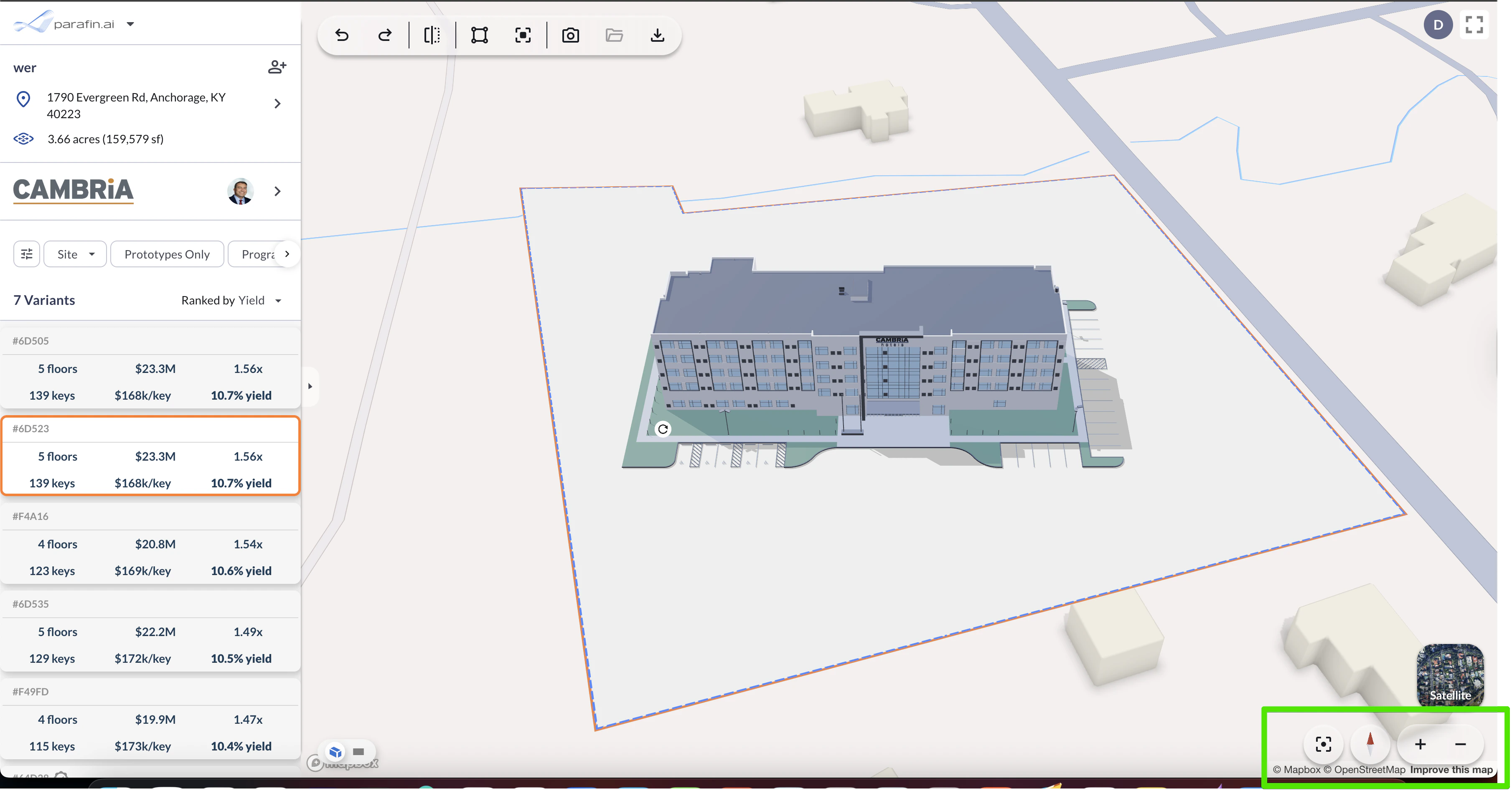
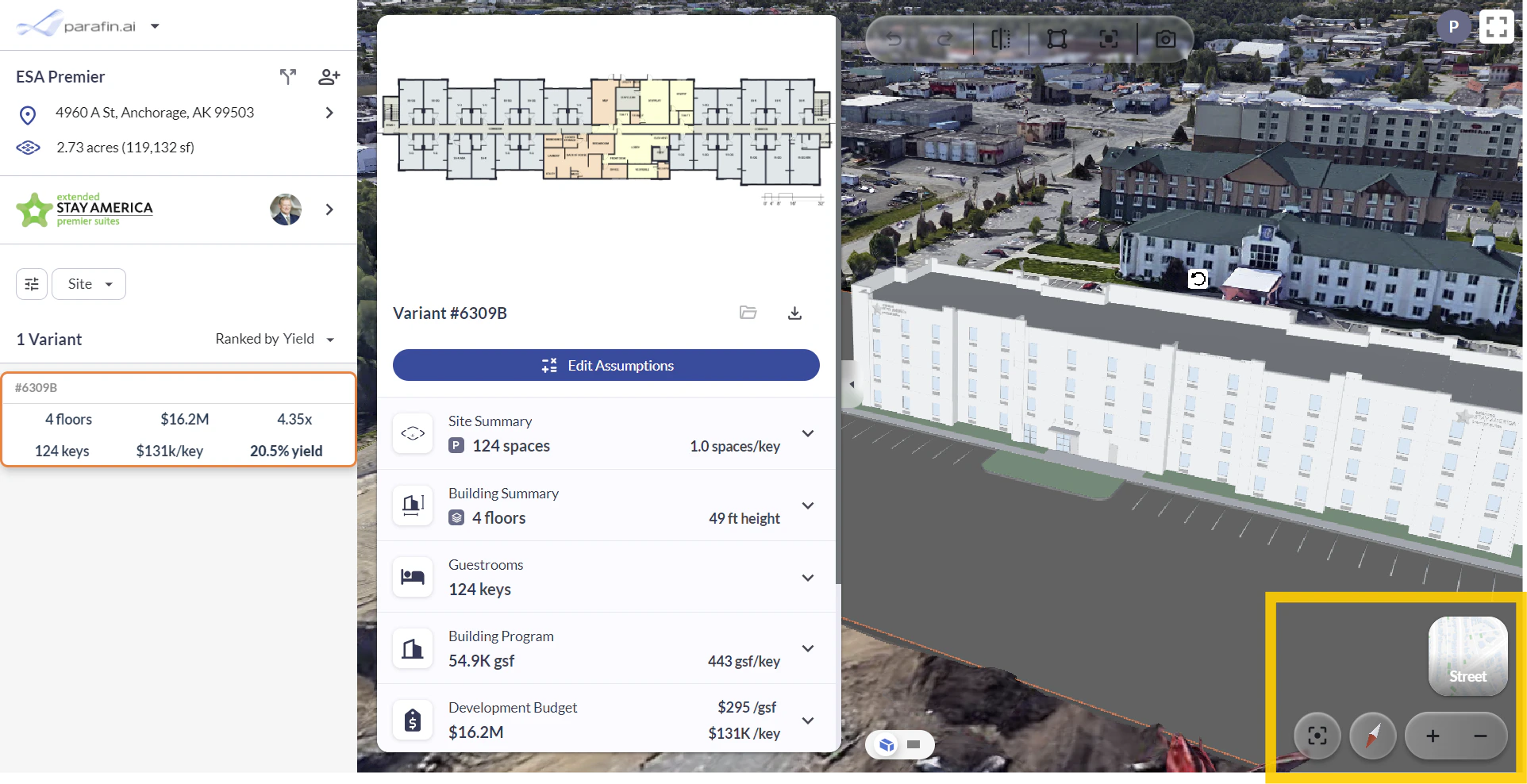
Navigation controls live in the **bottom-right corner** of the viewer:
* **Toggle** between Street View and 3D Satellite view
* **Re-center** your site in the viewer
* **North arrow** to orient your bearings
* **Zoom** in and out
## Viewer controls
Navigation controls live in the **bottom-right corner** of the viewer:
* **Toggle** between Street View and 3D Satellite view
* **Re-center** your site in the viewer
* **North arrow** to orient your bearings
* **Zoom** in and out
 ## Constraint warnings
Property constraints turn red when violated — you see issues the moment they happen as you rotate or reposition the building.
## Constraint warnings
Property constraints turn red when violated — you see issues the moment they happen as you rotate or reposition the building.