> ## Documentation Index
> Fetch the complete documentation index at: https://help.parafin.ai/llms.txt
> Use this file to discover all available pages before exploring further.
# Enter the site address
> Locate your site by entering a U.S. or Canadian address.
Enter a street address to place a pin on the map at your site. Parafin supports addresses in the United States and Canada. The project name you entered in the previous step appears at the top of the panel.
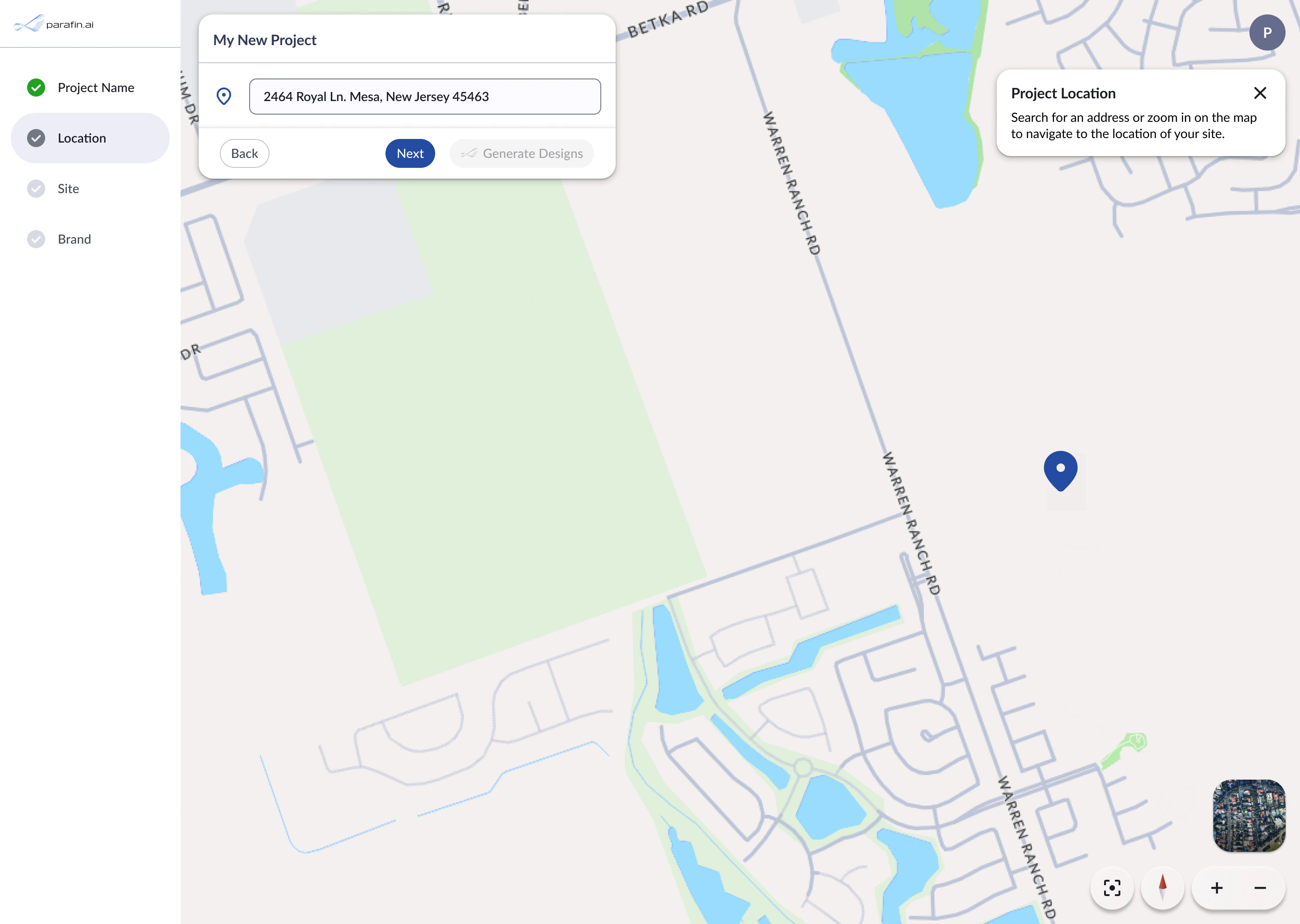 A tooltip on the right side of the screen explains that you can search for an address or zoom in on the map to navigate to your site.
If you don't know the exact address, enter the closest known address and use the map to pan over to the actual site before selecting parcels.
A tooltip on the right side of the screen explains that you can search for an address or zoom in on the map to navigate to your site.
If you don't know the exact address, enter the closest known address and use the map to pan over to the actual site before selecting parcels.