> ## Documentation Index
> Fetch the complete documentation index at: https://help.parafin.ai/llms.txt
> Use this file to discover all available pages before exploring further.
# My Projects and archived projects
> Access your project dashboard, archive completed work, and retrieve archived projects.
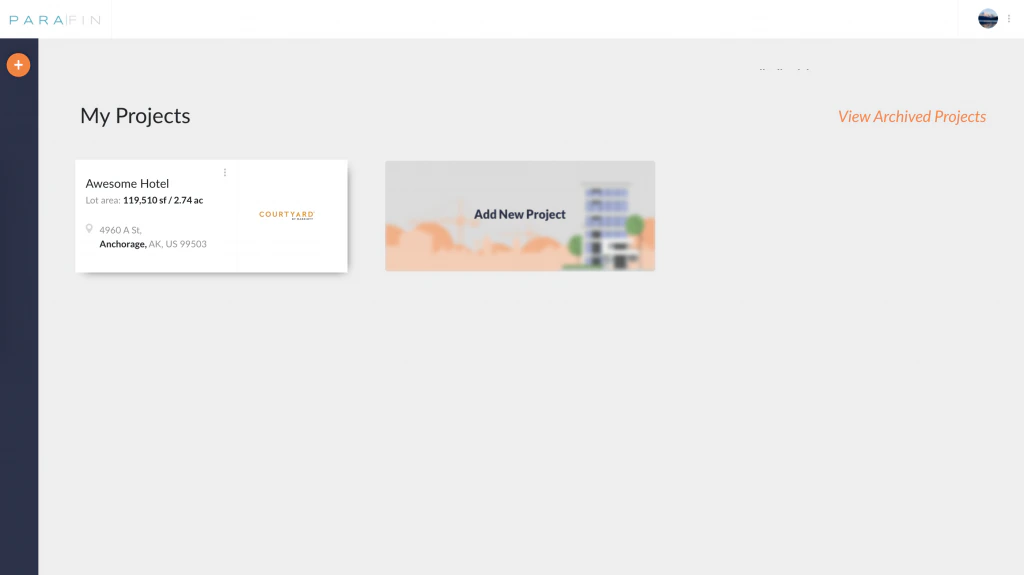
The **My Projects** dashboard is your landing page after signing in. Every project you've created or been added to shows up here.
 ## Archive a project
Click the triple-dot menu on any project card and choose **Archive**. Archived projects move out of your active list but stay retrievable.
## View archived projects
Click **View Archived Projects** in the top left of the dashboard to browse everything you've archived. Restore or permanently delete from there.
## Archive a project
Click the triple-dot menu on any project card and choose **Archive**. Archived projects move out of your active list but stay retrievable.
## View archived projects
Click **View Archived Projects** in the top left of the dashboard to browse everything you've archived. Restore or permanently delete from there.