> ## Documentation Index
> Fetch the complete documentation index at: https://help.parafin.ai/llms.txt
> Use this file to discover all available pages before exploring further.
# Edit your account
> Update your name, email address, and company name from the user menu.
Open the user menu in the **top-right corner** of the screen to access your profile and account settings.
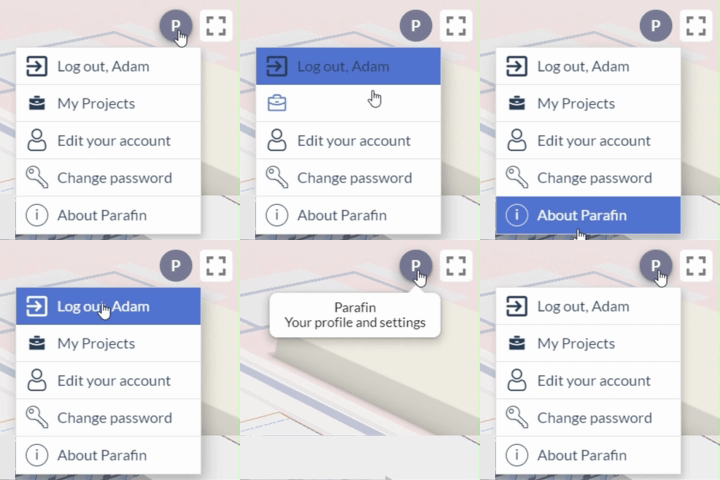 From the account settings panel you can update:
* First name
* Last name
* Email address
* Company name
From the account settings panel you can update:
* First name
* Last name
* Email address
* Company name
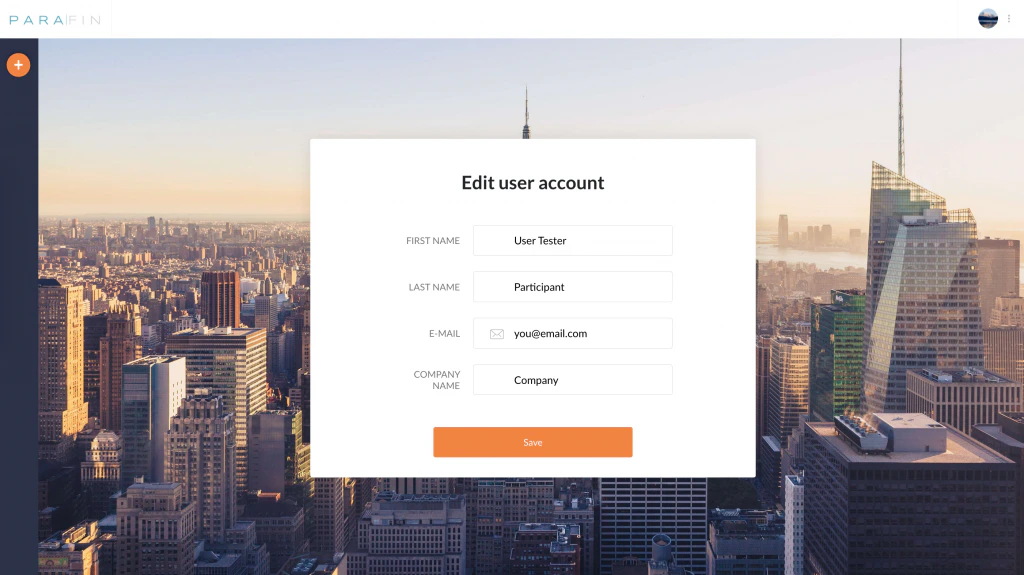 Changes save immediately. To update your password, see [Change your password](/getting-started/changing-password).