> ## Documentation Index
> Fetch the complete documentation index at: https://help.parafin.ai/llms.txt
> Use this file to discover all available pages before exploring further.
# Set up your account
> Activate your Parafin account from the onboarding email and sign in for the first time.
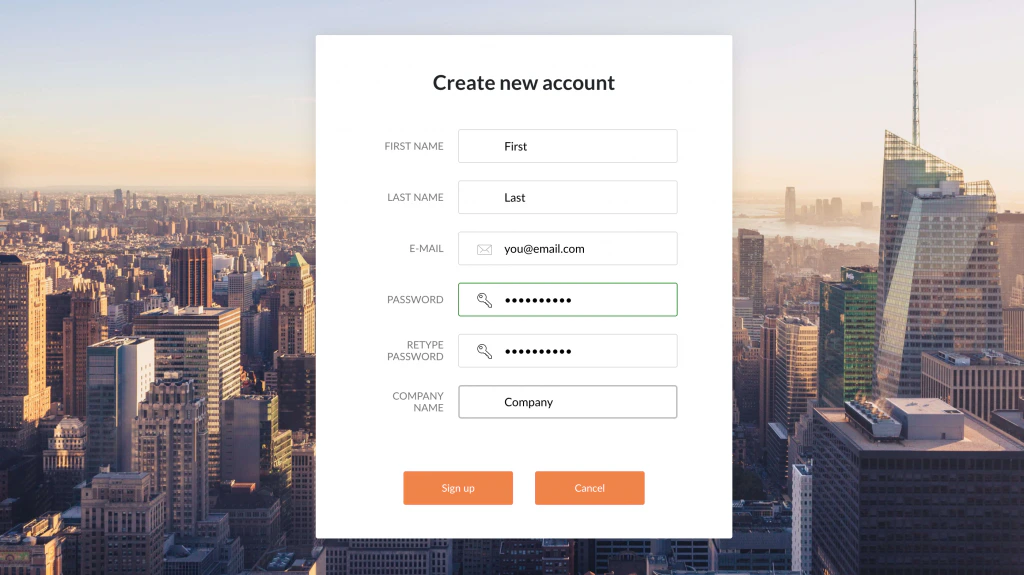
New Parafin subscribers receive an onboarding email with a signup link. Click the link, fill in your details, and sign in.
 Once signed in, continue to [Launching a project](/launching-a-project/overview).